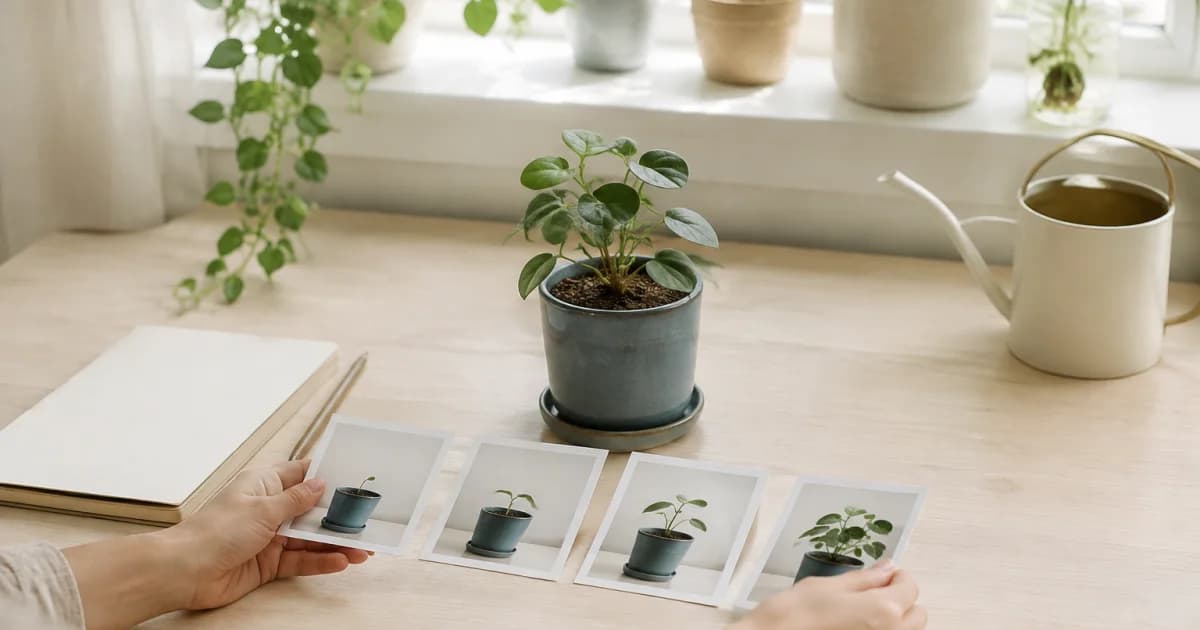
Give the individual pot a name you will recognize
If you have more than one plant of the same kind, its species name alone may not tell you which one appears in an old entry. Try a label such as “Living room window monstera” and take a photo showing the whole pot. If you move it later, connect the old label and the new location in a note so you can still follow the same plant.
With a few plants, one plant calendar and a name at the start of each note may be enough. If you want to follow several pots over a longer period, separate calendars may be easier to browse. You do not need a perfect filing system before you begin. What matters is being able to recognize the same plant in the next photo.
Take a before photo you can compare later
Photograph the whole pot and stem, any leaves you are watching, and existing details you want to remember. Use a similar distance and direction for later photos to make comparisons easier. Light and camera angle can change how a leaf's color or size appears, so a brief note such as “Photographed by the window in the morning” gives the image useful context.
This journal does not determine when a plant needs repotting or how the work should be done. Use appropriate guidance for the particular plant when making those decisions. In the log, separate what you observed from the work you had already decided to carry out, so a later reader of the entry can tell the difference between the plant's appearance and your actions.
On the repotting date, record what you actually changed
Instead of only writing “New pot,” include details you may want later: how the old and new containers differ, the name of the potting mix, and whether you moved the plant. Here is an editorial example: “Saturday / moved from the white pot to the terracotta pot / photo of potting-mix bag attached / same spot.” That is enough to distinguish what changed that day.
Leave an uncertain product or mix proportion unknown rather than filling it in with a plausible guess. If you did not photograph the work, you can write, “Recorded afterward; did not check the previous pot size.” Keep statements about the work separate from assumptions about why a plant looks a certain way. An incomplete but accurate log is more useful than a detailed entry you cannot verify.
Connect the repotting date and later observations in Pogaem
Open your plant calendar and add the before-and-after photos to the date you repotted the plant.
Begin the note with the individual pot's name and the word “Repotted.”
On a later observation date, add a new photo in which you can recognize the same pot.
Choose the weekdays and time for recording reminders yourself, treating them as prompts to make an entry rather than plant-specific care instructions.
Separate visible changes from possible explanations
Begin with what you can see: “One more new leaf is visible” or “The leaves seem to face a different direction from the previous photo.” Put actions outside the picture in a separate sentence, such as “Moved this pot two days ago.” Two things happening around the same time does not establish that one caused the other, so leave that distinction clear in the note.
If a photo is blurry or a leaf is hidden, take a clearer view for the next entry. You can find the date of the work in Pogaem's calendar and browse before-and-after images in album view. Pogaem does not analyze these photos to identify disease or tell you when to water; the sequence is a record you review yourself.
Collect notes from everyone who looks after the plant
If family members or housemates share plant care, each person can record what they did in a shared calendar and ask for missing context in an entry's comments. A factual note such as “Moved it to the balcony today” helps everyone look back at the change and who recorded it. Keep observations and completed tasks clear enough that another person can understand the entry later.
Before sharing a plant photo, check how much of the view through the window or the room behind the pot is visible. Many conditions can affect growth, so keep the journal as a record of care and observations. If you need to assess a problem, consult appropriate plant-care guidance rather than treating the photo sequence as a diagnosis.
Frequently asked questions
Does each houseplant need its own calendar?
No. You can name the pot in each note within one calendar or use separate calendars for individual plants. Choose a way to identify the same plant in later entries.
Can photos tell me whether a plant is doing well after repotting?
Photos preserve visible changes, but lighting and angle can alter their appearance. A photo journal alone cannot establish a plant's health or the cause of a change.
Does Pogaem automatically choose watering dates for each plant?
No. This guide uses recording reminders on weekdays and at a time you choose yourself. They do not analyze plant condition or automatically decide when to water or repot.