By photo
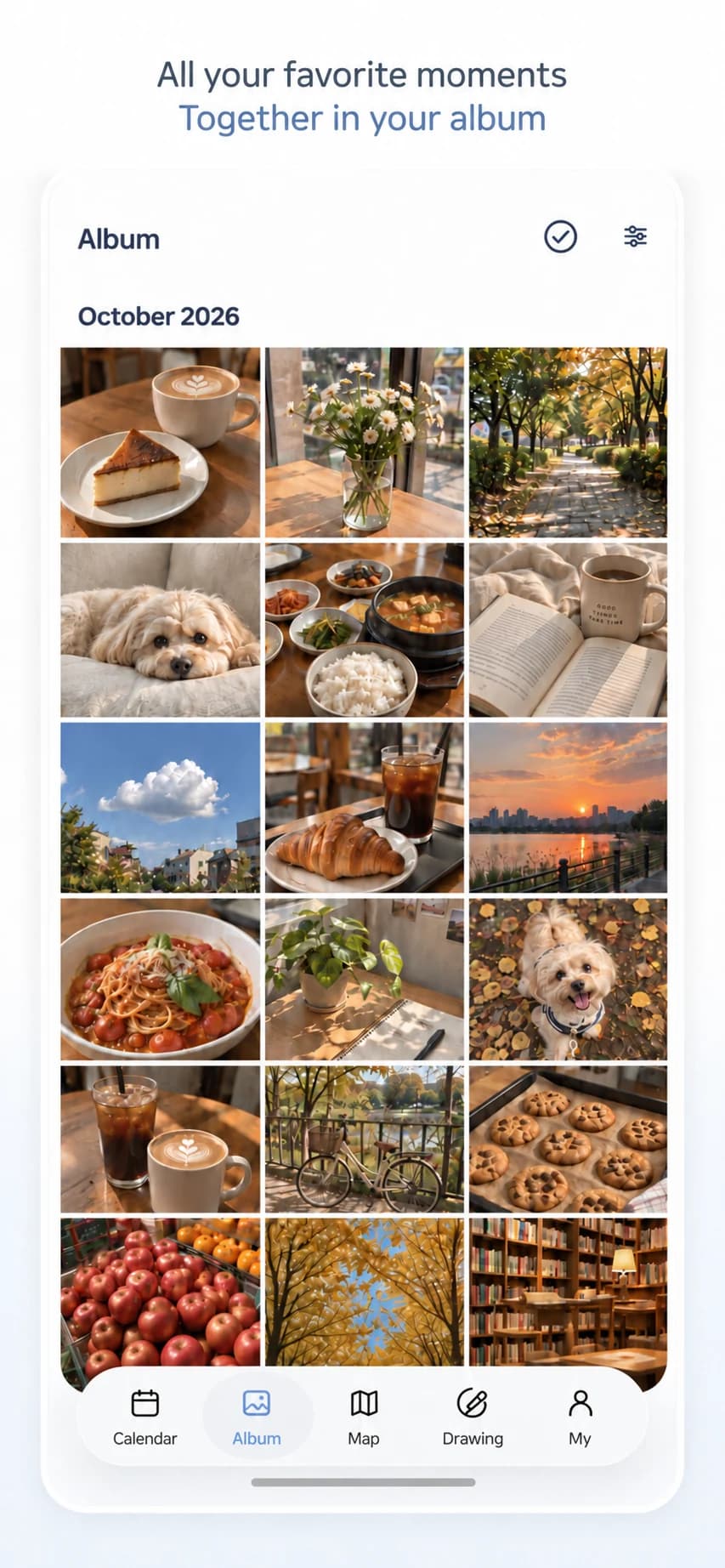
Browse photos from across the months in one album. Find and revisit the moments you saved.
Organize photos and notes by date. Keep a personal photo diary or share a calendar with family, your partner and friends.
Revisit your photos by date in a calendar, in albums, and on a map. Sync across devices with the cloud. Share calendars with unlimited members and leave comments on your memories. Turn photos into art with four AI styles.

Bring photos from different phones into one shared calendar. Invite people with a code or link and leave comments on each entry.
Open daily entries in your calendar, browse photos in your album, or explore where they were taken on the map.
Browse photos from across the months in one album. Find and revisit the moments you saved.
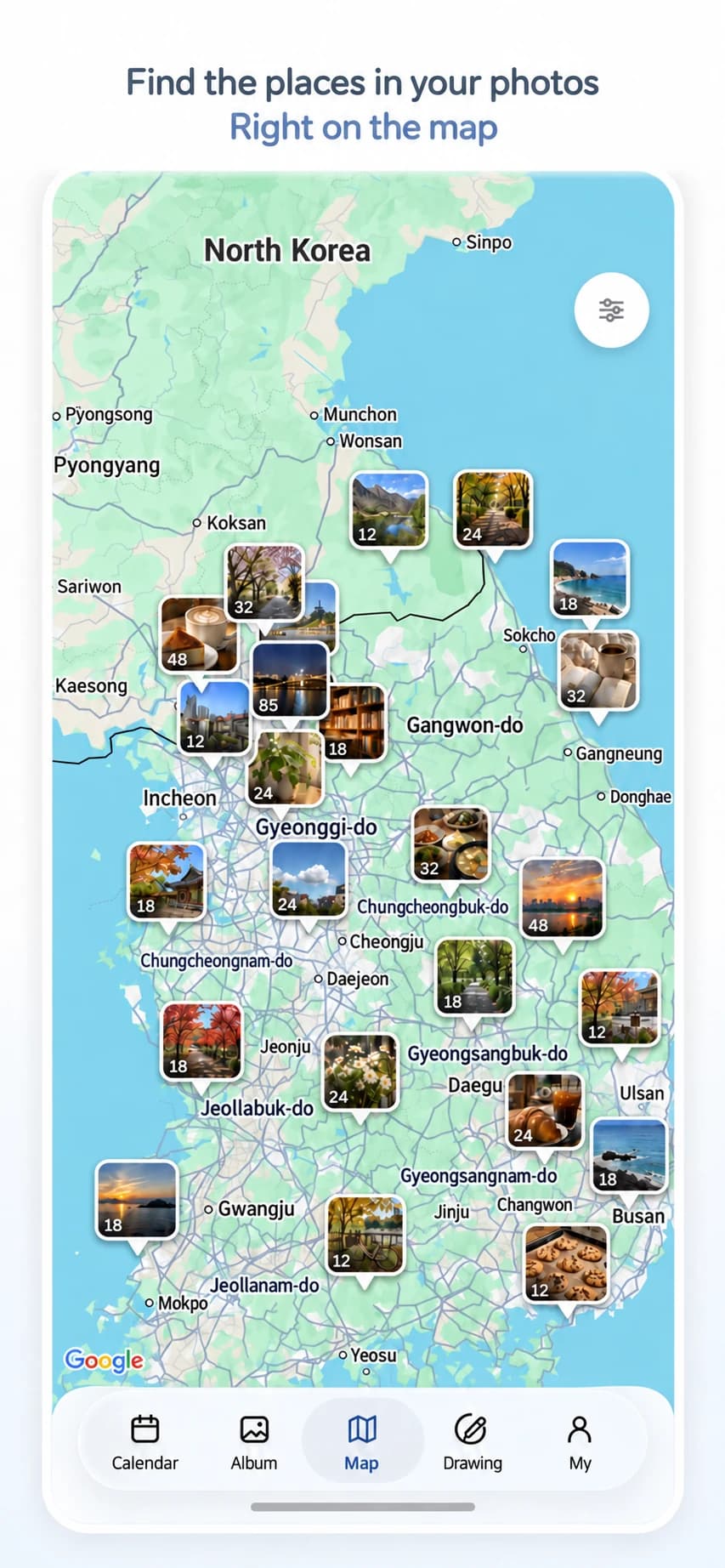
Turn on location features to find photos with saved locations on a map. You can add a place yourself, too.
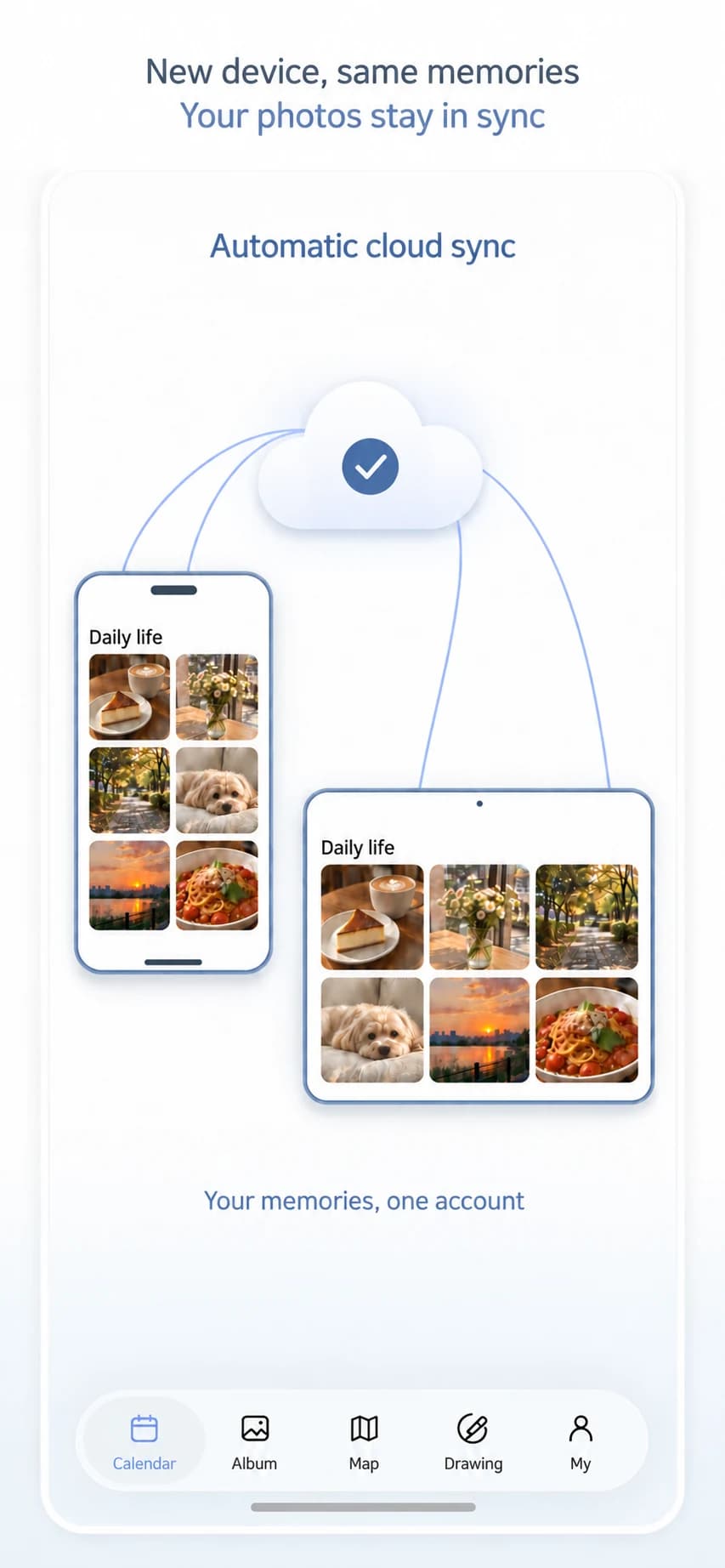
Your records save automatically to your account. Sign in with the same account to view photos, notes and calendars saved to the cloud on another phone or tablet.
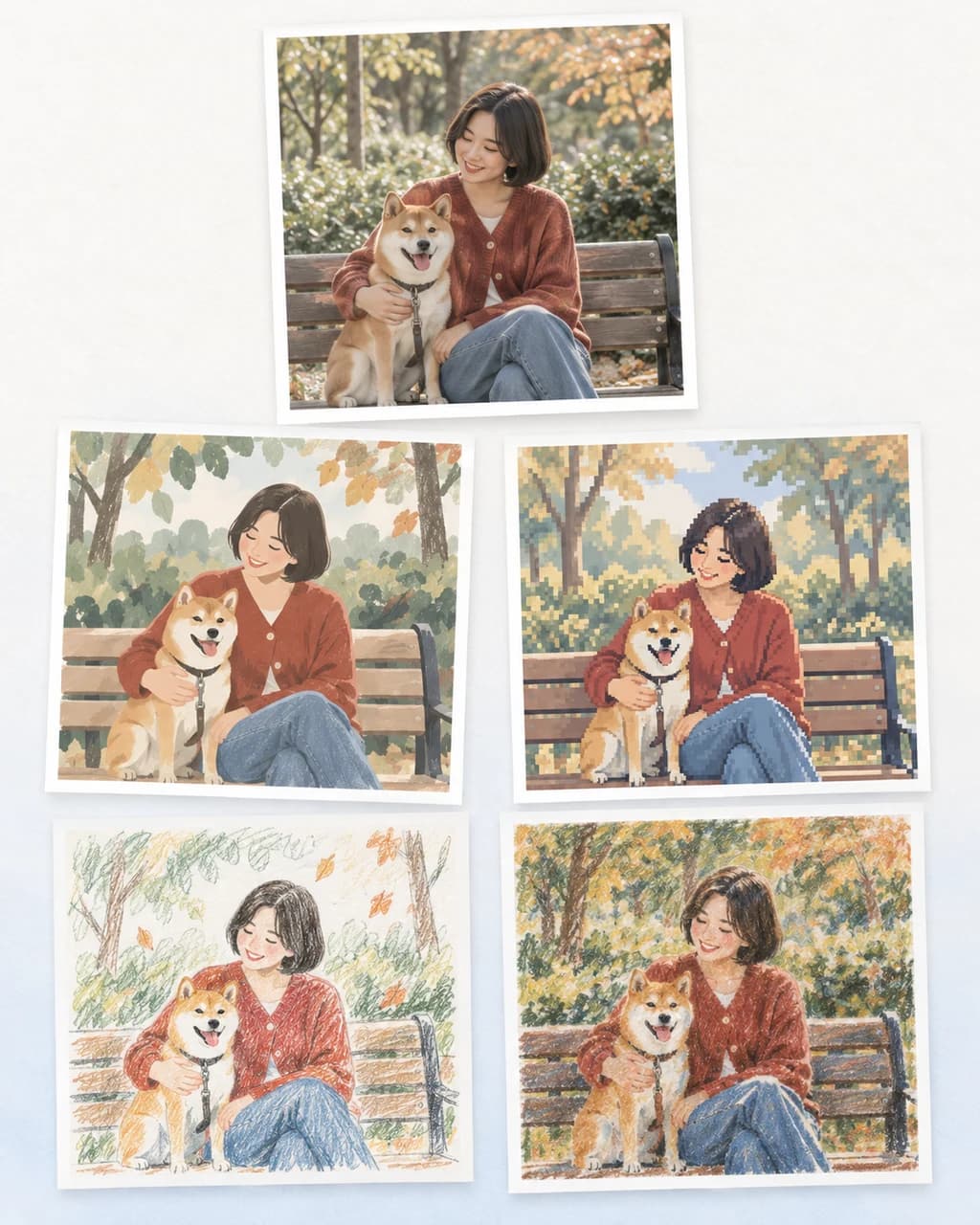
Choose a photo and a drawing style to create an illustration. Save the finished artwork or add it to your photo diary.
When you open or return to the app, it checks your connected album for new photos. Pick what to keep or add them automatically by date.
Start with just three photos. Choose a date range and turn those moments into a short video to watch again.
See your photo calendar on your home screen. Set reminders for the days and times that work for you.
Create photo diaries and personal or shared calendars, add photos and leave comments. Automatic cloud sync and device album sync are also free.
Invite family and friends with a code or link. There is no member limit per calendar, so everyone can add photos and leave comments on entries.
Sign in with the same account to access photos, notes and calendars synced to the cloud on another phone or tablet. Before switching devices, check that syncing has finished.
Connect a device album and the app checks for new photos when you open or return to it. Review them first or add them automatically by the date they were taken. This applies to new photos after album sync is enabled.
Choose a photo and a drawing style in AI Drawing. Save the finished artwork or add it to your photo diary.

Add photos and notes, organize them by date, and share with the people you choose.