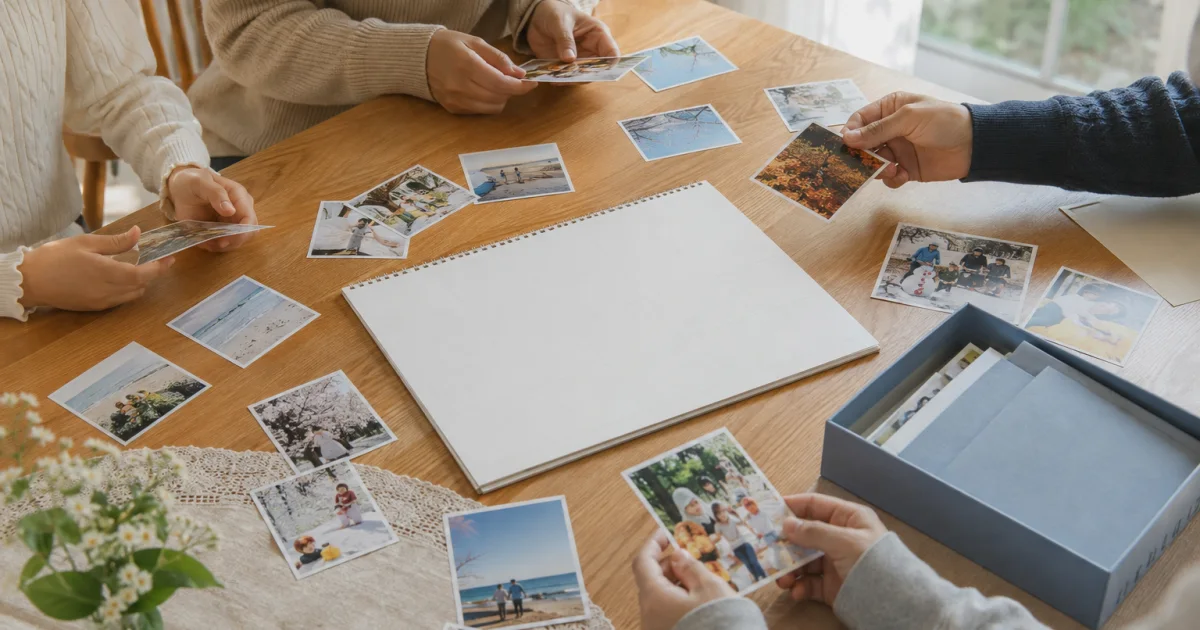
Decide who can view the photos first
If you want to see photos taken by different guests in one place after a wedding, first agree on who will participate and who can view them. Explain that scope to the photographer and the people pictured, and ask whether the photo can be uploaded.
Check the venue’s photography rules and any separate agreements about using photos. Do not assume that attending means someone has agreed to share every photo.
Gather moments people have agreed to share
Agree on who will participate and view the photos.
Choose only photos you took yourself that have the necessary sharing consent.
Write the event date and a brief note about the moment you remember.
Tell participants how to ask if they later want a photo taken down.
Keep each person’s perspective
Here is a fictional editorial example: “Our family laughing together by the window after the ceremony.” Another guest could comment on a photo people agreed to share: “I saw the bouquet being handed over then.”
Check for addresses or contact details on invitations, seating charts, and other guests’ faces. Do not upload photos without consent or pressure anyone to take part.
A low-pressure way to ask
Here is a fictional invitation: “If you would like to share a photo, please ask the people in it first. Join in only if you feel comfortable.” Explain the actual invitation and participation steps separately.
Record together in Pogaem
Participants in a Pogaem shared calendar can add their own photos and notes. Check entry-writing permission, comment permission, and an internet connection. Invitations and uploads are not completed automatically.
Frequently asked questions
Can I upload every photo taken by guests?
Tell the photographer and people pictured who will be able to view them, and choose only photos they agree to share.
What if someone wants a photo removed later?
Agree in advance who participants should ask, and check the permissions for the relevant entry.
Can someone who has not joined upload photos?
A person needs to join the shared calendar and have the necessary writing permission to upload their own photos.