Start somewhere familiar and decide when to stop
You can capture different views by leaving your dog in a familiar place and changing your own height and distance. Think of a close face picture, a full-body view, and a wider scene, but do not make taking all three a requirement. Try briefly during a moment when your dog is already comfortable.
Do not move your dog onto an unfamiliar raised surface or hold their body in a fixed pose. Decide in advance to stop if they avoid the camera or leave. Do not diagnose the reason for that movement or their health from a picture; take it as your cue to end the session.
Four steps to try the three views
In a familiar place with room to move, see whether your dog is staying where they are. Do not begin if they leave or avoid the camera.
Lower your own body or change your distance to try an eye-level face picture, a full-body view, and a wider scene. Do not bring your dog back into position.
Check the focus controls your device supports, then enlarge the actual photos to inspect eyes, body, and background. If movement continues, let go of the composition you intended.
Choose as many photos as you need to show expression, posture, and place. Finish even if a view is missing, and add a short account of the actual scene.
A complete eye-level, full-body, and setting example
These capture choices are original editorial fiction. A dog is sitting on a familiar living-room mat. For the first picture, the photographer moves to one side, lowers their body, and holds the lens near the dog’s eye level. They choose an angle with a plain curtain behind the face, use the device’s supported method to focus near an eye, and take the picture. Enlarging the actual photo, they select a portrait with the nearer eye sharp and the ears inside the frame. For the second picture, the person steps back until the whole body and paws fit. They move to avoid a chair leg appearing behind the head, check focus on the dog’s body, and choose a full-body photo showing the front paws.
For the third picture, they step farther back to include the mat and the adjacent window, check that the dog is in focus, and take the picture. They select a frame showing the dog looking toward the window and caption it “Looking toward the window from the living-room mat.” The three selections show the face up close, the sitting posture, and the place. If the dog had walked away after the second picture, this example would end with two rather than filling the missing wider view.
Enlarge the actual photos to check focus and background
A capture preview can look fine while the saved picture has a soft eye or cropped toes. Enlarge it to check what you intended to keep. See whether the lens needs cleaning and steady the hand holding the camera. Try again only if the same comfortable scene continues.
Touch focusing, burst shooting, and portrait-mode names and controls vary by device. Check your phone’s instructions and use only supported features. If you used portrait mode, inspect whether ear or fur edges were blurred along with the background. Choose photographs by what the actual result shows.
Change your position or finish when your dog moves
If your dog only turns their head, you can photograph that side of the face or lower the camera for a moment. If they walk away, stop where you are instead of following with the lens. A single photograph you have already chosen can be enough for the day.
If the comfortable moment continues and you decide to try again, move yourself toward a simpler background rather than moving the dog. You do not need repeated noises to attract attention or instructions for a new behavior. Do not turn a missed expression into a note judging your dog’s behavior.
Add a short note about what the pictures show
You might write: “Eye-level face: sitting against the curtain. Full body: front paws visible on the mat. Wider view: looking toward the window.” That makes each selection’s role clear. Describe visible facts and what you liked without declaring your dog’s feelings from the picture alone.
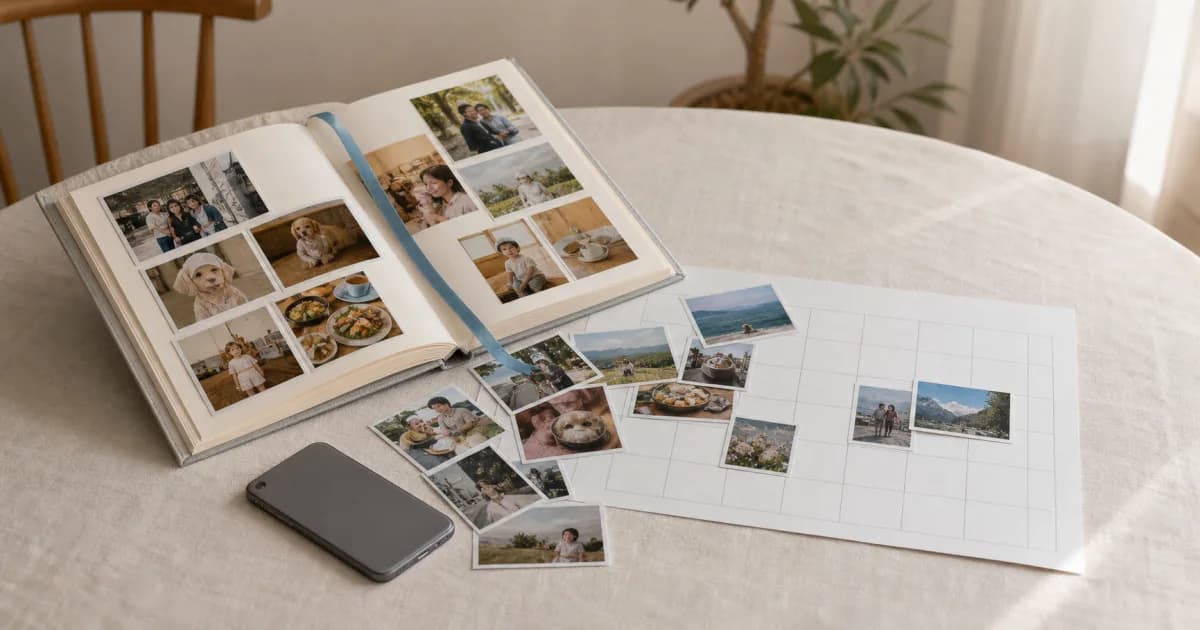
Pogaem can hold photos you took and selected with the phone camera, alongside your note for that day. Choose the actual date and add a title. The cover is an illustration of photo keeping, not the outcome of the fictional session in this article. Pogaem does not provide a dog-specific focus control or camera mode.
Frequently asked questions
Is it okay if my dog does not look at the camera?
Yes. A side view or a dog looking around is still a real moment. Do not hold them to turn them toward the lens. Stop if they avoid it or leave.
Are burst shooting and portrait mode the same on every phone?
Availability and controls vary by device. Check your own instructions and inspect focus and fur edges in the saved photographs.
Does Pogaem have a special dog camera mode?
Take the photos in your phone’s camera. In Pogaem, you can keep your selected pictures with a title and body text in dated entries.