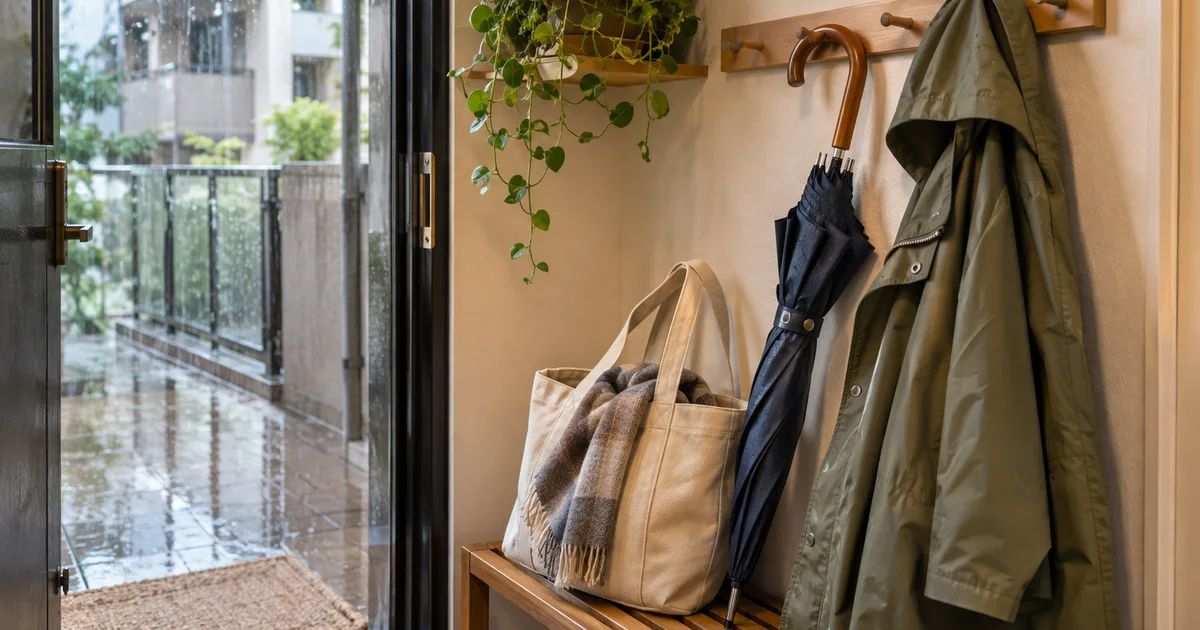
Photograph your bag before leaving
A record of what you packed can help you decide what suits your next rainy commute. Lay out the things you actually take, such as an umbrella, a small towel and spare socks, and take a photo.
Check the forecast for both your outward and return journeys. An old note shows your past choices; it cannot tell you today’s weather.
Separate what you used from what stayed packed
Here is an editor’s fictional example: “Folding umbrella: used on the way to work / towel: wiped the wet handle / spare socks: stayed in the bag.” Something left unused is not automatically unnecessary.
If you cannot remember, write “use unknown.” The next trip may involve different rain or a longer walk, so do not assume the same bag will always be enough.
Choose one change for next time
Connect an inconvenient moment with something you might need. If you had nowhere to put a wet umbrella on the train, a next-time note might say “check for a bag for the umbrella.”
On another rainy day, note whether you took and used it. You can revise your choice again. The point is to understand your own journey, not carry as much as possible.
Hide personal information in your photo
Check that an employee badge, transit card number or mail showing your address is not visible beside the bag. Hide unnecessary details before sharing.
During heavy rain or dangerous conditions, use current weather and safety guidance ahead of an old photo. This is a personal packing record, not a guarantee of safety.
Connect two days in Pogaem
Save the bag photo and a note about what you used on the date of your commute. Add a fresh entry the next rainy day and open the two dates in your personal calendar to compare them yourself.
Frequently asked questions
Should I leave out anything I did not use?
Not necessarily. Weather and journeys differ, so use the note as context for your own decision.
Can I write a note without a photo?
Yes. Record the items and what you remember using in a title or text.
Does the app recommend items based on the weather?
No. This guide describes photos and notes you add yourself.