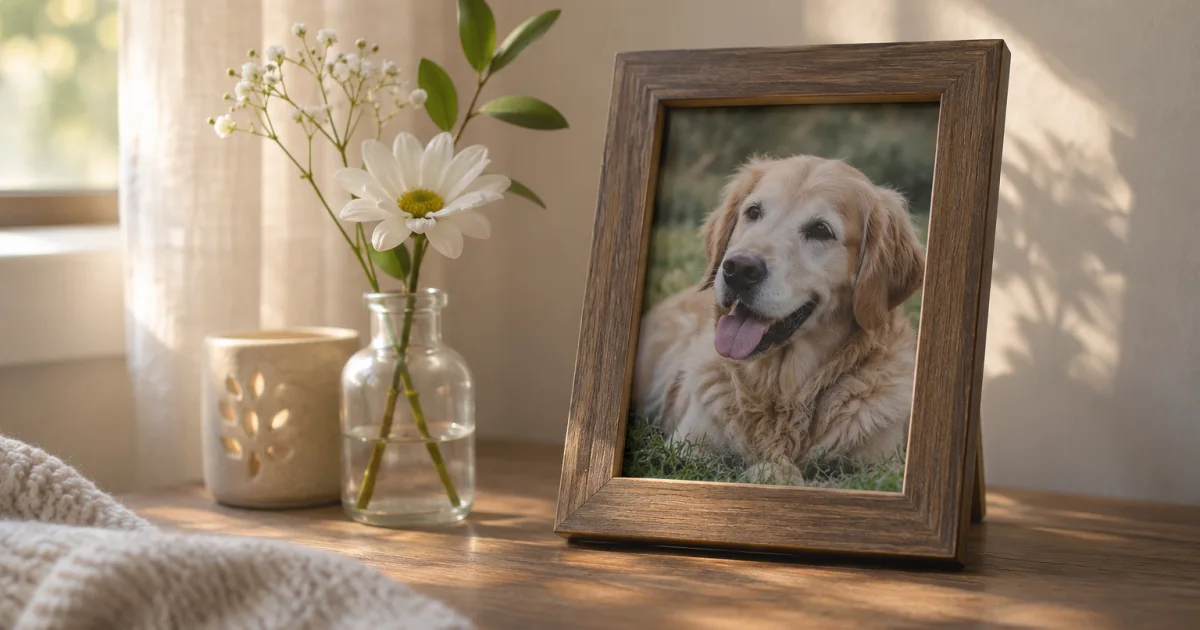
It is okay to start with one photo
You do not need to choose every photo at once or finish by a particular date. If there is nothing you want to look at right now, leave the photos as they are and return to one when you feel ready.
If you do not know when a photo was taken, do not force a date. Write down the season or a place you remember. Before sharing a photo that includes someone else or their animal, check with them.
Choose a photo and a memory
Choose one photo you want to see again, or leave the choice for another day.
Separate the scene you remember from a date you are unsure of.
Write a sentence or just a name, and decide for yourself whether to share it.
If family members will look together, ask which photos and sharing boundaries feel comfortable to each person.
An example of a small moment
Here is a fictional editorial example: “Sometime in autumn, by the living-room window. Always lying in the patch of sunlight.” If you do not know the exact date, leave it as “sometime in autumn.”
Someone else may not want to see a photo yet. Ask before showing the photo and note you chose, and do not rush their answer.
On days you do not want to look
It is fine to leave the photos untouched. Ask family members whether they are ready to look, and respect the pace each person chooses.
Keep the record in Pogaem
You can add a chosen photo and your own note to your personal Pogaem calendar. If the date the photo was taken is uncertain, select the actual date you are making the record and note that the photo date is unconfirmed.
When recording together in a shared calendar, check invited participants’ permissions to write entries or comment and their internet connection. Before uploading, ask the photographer and anyone pictured for consent.
Frequently asked questions
Do I have to choose all the photos at once?
No. Start with one or wait until you are ready.
What if I do not remember when a photo was taken?
Choose the actual date you make the calendar entry, and note separately that the photo date is unconfirmed.
Can I share a photo with family right away?
First ask whether they want to see it and agree on who may view it.