Separate the choices from what arrived
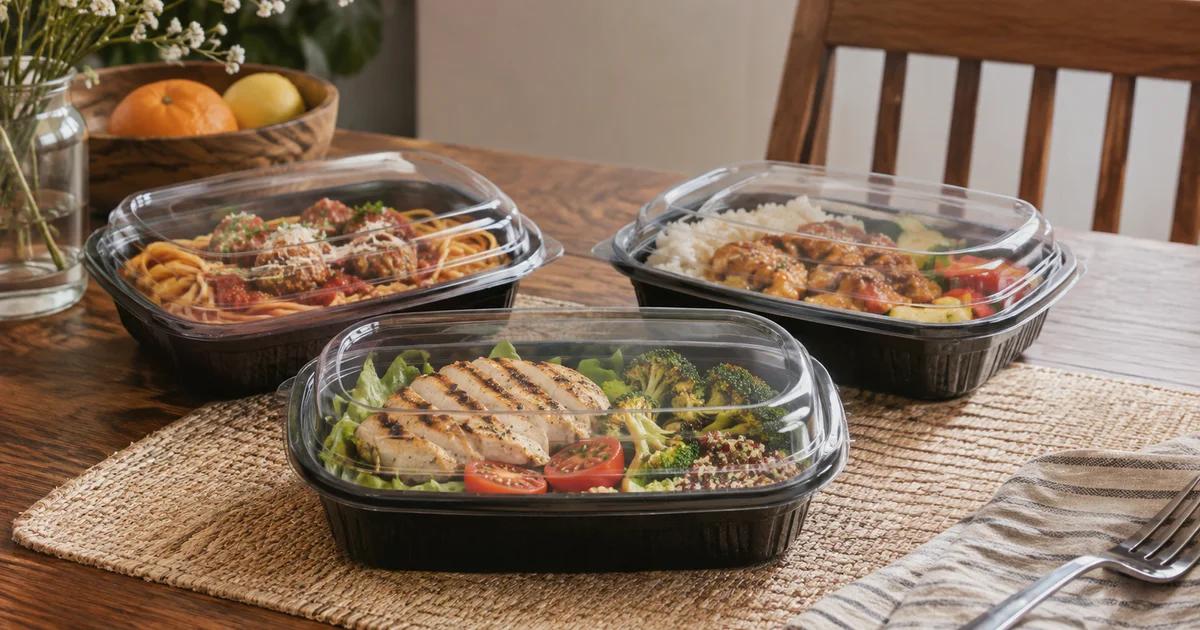
After ordering food together, pair a table photo with each person’s choice and what they actually received. It helps you understand the meal later if an order changed or food was moved out of its packaging.
If you cannot tell whose meal it is from the packaging, ask rather than guess. Leave a menu name blank if you cannot remember it.
An example of one shared meal
Here is an editorial example: “Jisu chose dry noodles / received noodles”; “Minho chose a rice bowl / received rice and side dishes.” Add any options you have confirmed to the relevant line.
If the order screen and the food look different, record what you saw in each. If you need a problem resolved, contact the order service directly.
Set aside questions for next time
For a future gathering, you might note “ask whether noodles and sauce can be ordered separately.” Keep what you confirmed that day separate from questions for another occasion.
A photo cannot establish ingredients or allergens. If someone needs to check before eating, ask the restaurant and the person directly.
Check the photo before sharing
Look for addresses, phone numbers or payment details on packaging and order screens. Ask the people who shared the meal before including their names or photos.
This record is for remembering a meal. It does not assume Pogaem automatically recognizes food or splits the bill.
Keep the shared meal in Pogaem
On the date of the gathering, add a photo and the menu choices each person confirmed. In a shared calendar where participants agree, they can add memories in comments.
Frequently asked questions
What if I cannot remember who chose a meal?
Leave it blank or check with the people who ate together before adding it.
Can a photo confirm the ingredients?
No. If you need to know, ask the restaurant directly.
Does this automatically split the cost?
No. It is a photo and written note, not an automatic payment-splitting feature.