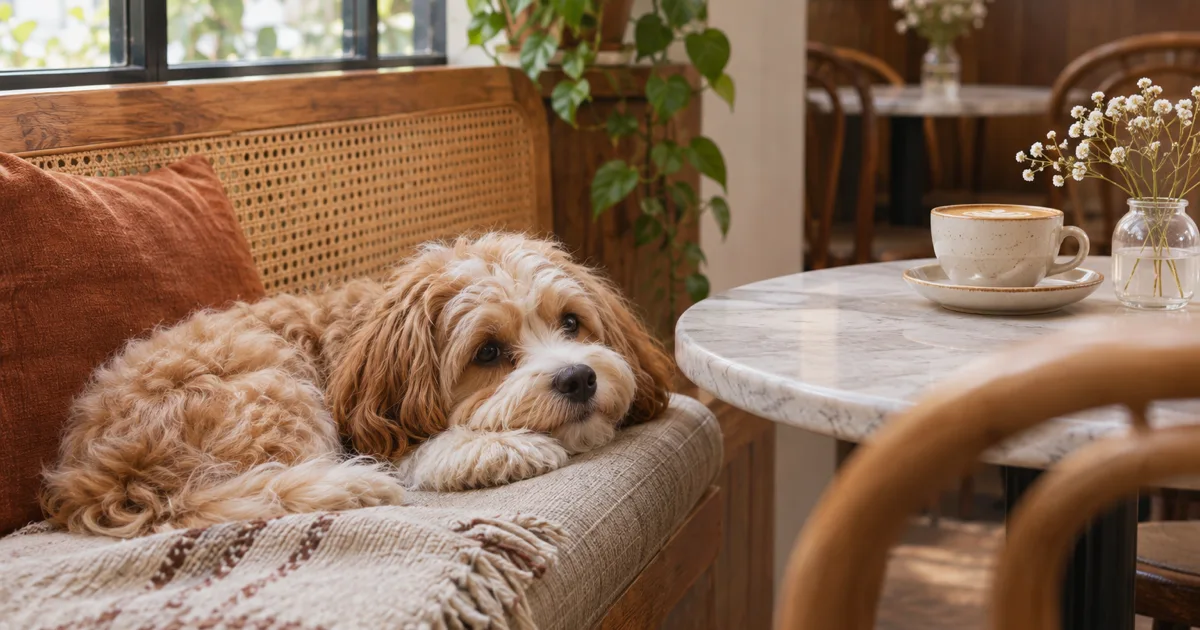
The conditions you checked and the day you visited
Record the dog-friendly conditions you asked the cafe about before visiting separately from where you actually sat. Add a short note to your dog’s photo, without assuming one visit’s rules will apply next time.
Check the cafe’s latest guidance directly before returning. A photo cannot establish whether dogs may enter or determine your dog’s health.
Separate what happened before and during the visit
Note when you checked the conditions directly with the cafe and what it confirmed.
Record where you sat and any scene you had permission to photograph.
Separate what you experienced from your impressions.
Leave a question to check before returning.
A fictional note for one photo
Here is an editorial example: ‘Wednesday: asked the cafe about its dog policy and received an explanation. Saturday: sat by the window and rested briefly with my dog. Next time: ask whether the seating conditions are unchanged.’
This fictional note does not describe a real cafe’s rules. If you cannot remember the answer, ask again rather than guessing.
Before photographing or sharing
Check the cafe’s photography rules and seek consent before photographing or sharing images that show customers or staff. Leave names, contact details and other people’s reservation information out of your note.
Do not force your dog to move or interrupt their rest to get a picture.
Save the visit date in Pogaem
In your personal Pogaem calendar, keep a photo, the date you checked and a short question for next time. The app does not automatically check a cafe’s dog policy or make reservations.
If you share with family, check photo-sharing consent, participants’ separate entry and comment permissions, and the internet connection.
Frequently asked questions
If dogs were allowed last time, are they allowed now?
Rules can change, so check the latest conditions directly with the cafe before visiting.
What if other customers appear in a photo?
Seek consent before photographing and sharing, and exclude them from the image if necessary.
Can I record the visit without a photo?
Yes. A text-only note with the date you checked and your question is enough.