Collect the clues that take you back to the manual
To organize appliance manuals, put a recognizable product photo, its model code, and the manufacturer’s official manual address in one note. Use a household name such as “living-room fan” as the title and keep the exact model on a separate line to distinguish similar appliances.
A model number identifies a product specification; a serial number identifies an individual unit. Keep the model information needed for your manual index. Do not move a heavy appliance or dismantle it just to reach the label; check the paper manual, purchase records, or the manufacturer’s model-identification guidance instead.
Give the note five fields
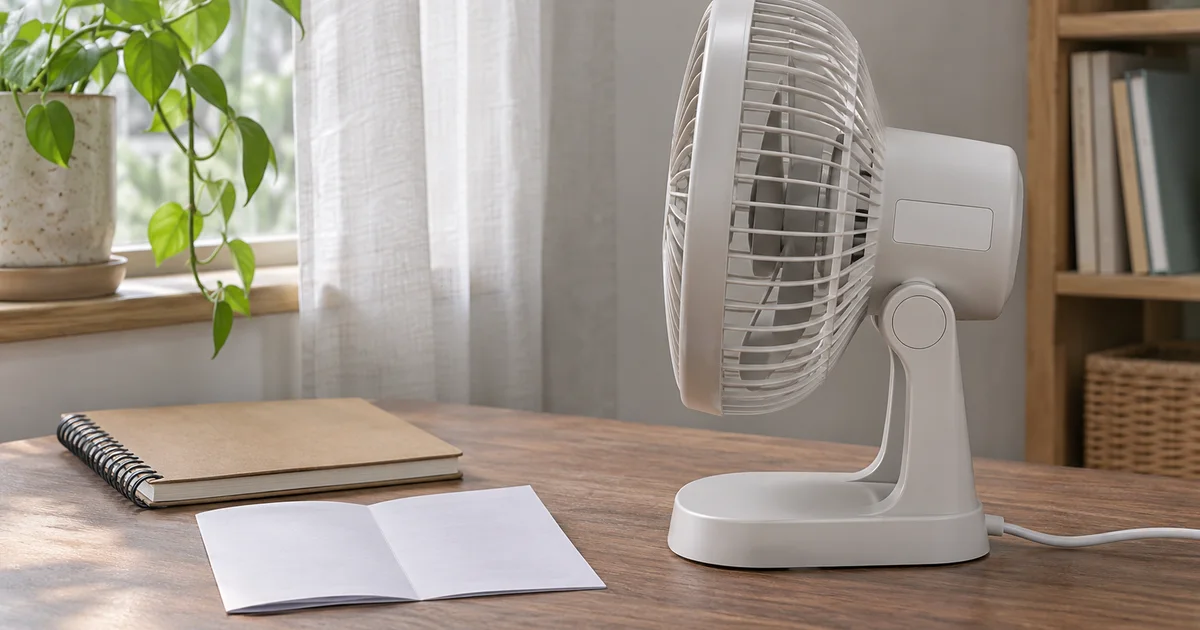
Household name and photo: make clear which appliance in which room this is.
Exact model: copy the full code from the source you checked and note where you found it. Do not silently remove suffixes.
Official source: keep the manufacturer support-page address and the document title together.
Document coverage: record whether your model is listed, the language, and any displayed revision or publication date.
Date checked and paper location: note when you opened the link and where you keep the paper manual, if you have one.
An index entry for one appliance
Here is a fictional editorial template: “Living-room fan / model: FAN-A12-B, invented code, checked on paper manual cover / source: paste the URL verified through the actual manufacturer’s support site / document title: enter the title checked / model included: record after checking / language and revision date: copy displayed values, or mark not stated / checked: November 19 / paper copy: appliance folder in living-room drawer.”
The example code does not identify a real appliance or manual. Fill the fields with values checked for your own product. Keeping the document title beside the URL gives you another clue for finding it on the official site if the address changes.
Check the source before adding it to the index
Go to the brand’s official website and open its support or manuals section. Search with the model code.
Compare similar results with the full code on your label or records. If the search requires a shortened input, follow that manufacturer’s instructions.
Check the document’s applicable models and language. Leave a revision or publication date blank if none is stated.
Confirm that the official page links to the file, then keep the address, document title, and date checked. If it uses an external file server, also note the official page that led there.
If you cannot find or confirm your model, mark it unverified and write down what to ask the manufacturer. Do not assign a similar model’s manual to your appliance.
Keep the source note and product photo in Pogaem
You can keep the appliance photo and your written index in a Pogaem entry on the date you organized it. Use the address in your note to check the official original when you need it again. If you need to retain the file itself, store it separately in your chosen file-storage tool and note that location.
For a shared photo, cover serial numbers, service QR codes, addresses, and order numbers. The index does not replace the original instructions or warranty documents, and it is not a basis for deciding how to wire, dismantle, or repair an appliance. When you change the linked manual, add the reason and the new date checked.
Frequently asked questions
Are manuals interchangeable when the model numbers start alike?
Do not assume so. Compare the full code with the document’s applicable models, and follow the manufacturer’s search-input guidance.
What if the manual link stops working?
Search official support again with the model and document title you saved. Record the new address and date checked rather than immediately substituting a file from an unclear source.
Must I save the serial number too?
Start with the model information needed to locate the manual. Consider the audience before separately storing other identifiers, and do not expose them in a shared photo.