Keep before and after separate
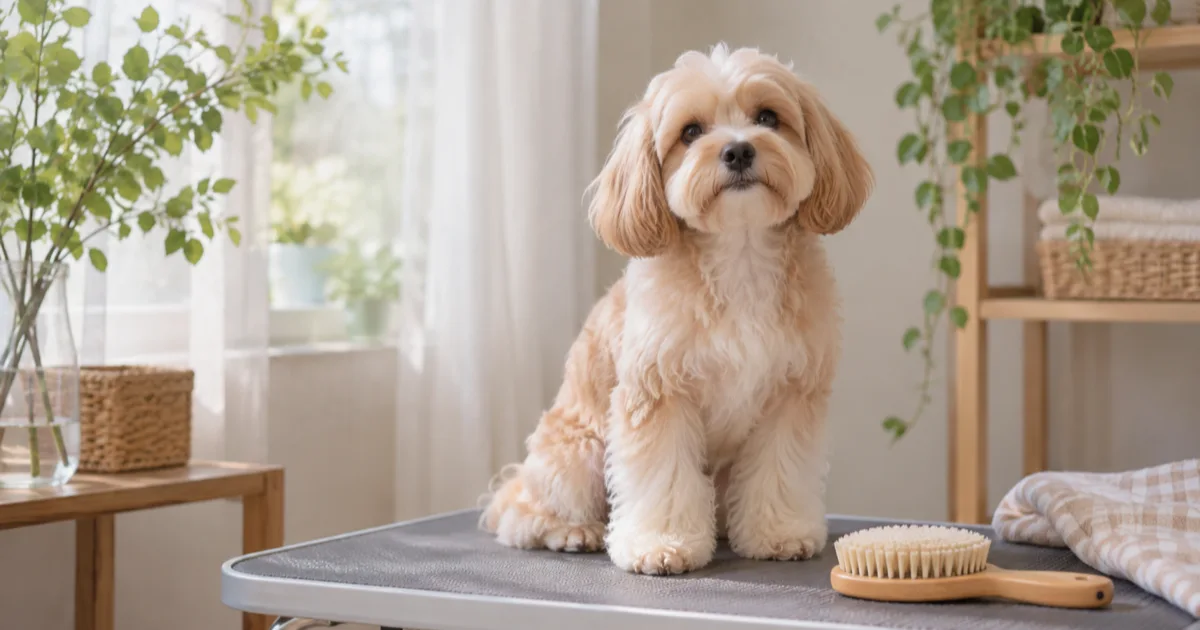
For a future grooming visit, pair a favorite photo of your own dog with a note about anything you would change. Breaking it down by face, body and paws can make the conversation more specific than saying ‘short all over.’
Length can look different depending on the angle and coat condition. Keep the look you hope for separate from what the groomer says is possible, and discuss it together.
Record the visit in four steps
Choose a photo taken after a previous groom and note its date.
Describe the area and the general length you want in one sentence.
Record separately what you confirmed with the groomer at the visit.
When your dog is comfortable after the groom, take a photo and note a question for next time.
A fictional request and agreement
Here is an editorial example: ‘Request: body a little shorter than last time; a rounded look around the face.’ On a separate line, write what was actually confirmed, such as ‘Discussed: proceed within what is possible after checking the coat.’
Under the result photo, note what you saw and a question for next time: ‘Like the side view; ask about the length around the paws next time.’ Leave a blank if you have no photo or cannot remember the length.
Stop if your dog needs a rest
Do not hold your dog still or make them pose for a long time for a photo. If you are concerned about skin or physical condition, contact your groomer or a veterinarian rather than judging from a photo alone.
Keep your notes in Pogaem
In your personal Pogaem calendar, you can add photos from before and after the visit and short notes by date. The app does not measure coat length or handle bookings.
Frequently asked questions
Is one photo enough?
Yes. Note when it was taken and what you liked; you do not need to fill in missing before-and-after photos.
Will the result be exactly like the photo?
There is no guarantee. Discuss your dog’s coat and the available options with the groomer, then note what you agreed.
Can family add notes to a shared calendar?
Participants can add their own photos and notes after checking that they have permission to write entries and an internet connection.