Find a message in one moment
Start a support banner by choosing one thing you want to say. If the show has not happened yet, write about what you are looking forward to; afterward, choose a moment you actually remember.
Check the venue’s guidance on permitted banners and sizes, and avoid blocking other people’s view. Follow each event’s photography rules too.
Revise your message in four steps
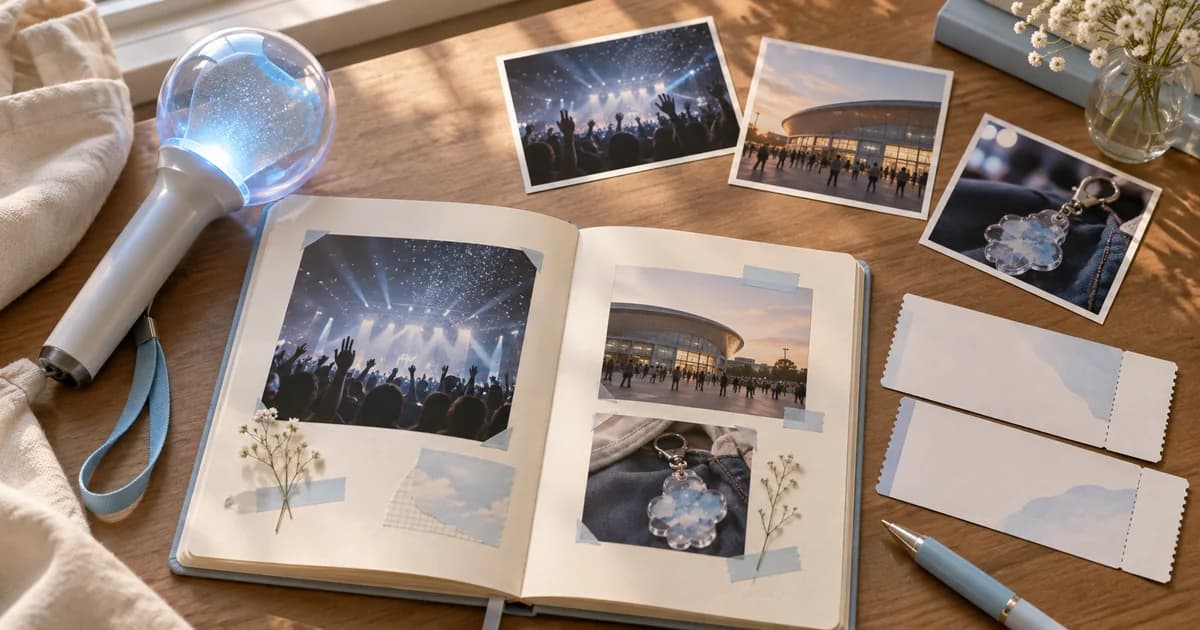
Choose a moment from a photo or your own notes.
Write one sentence about what you want to say.
Keep the core thought and shorten it so it is easy to read.
Check the event rules and photograph the finished banner.
Three fictional messages
These are editorial examples. For a moment singing together, try ‘Let’s sing together today’; for a first show, ‘Finally, today we meet.’
For a group you have waited a long time to see, try ‘Let’s share our next chapter too.’ Adapt each line to your own memory and voice rather than presenting an invented experience as yours.
Keep the finished photo and message together
Save a photo of the banner you made, your chosen message and the event date in Pogaem so you can distinguish it from later projects. For venue photos, follow the permitted rules and check for other attendees’ faces and seat information.
Keep your notes in Pogaem
A shared calendar can be used according to each participant’s permission to write entries or comments and their internet connection. Pogaem does not automatically design or print banners.
Frequently asked questions
Can I use song lyrics as written?
Check the rights and event rules first. You can instead write your own short line, as in these examples.
What if I have no concert photos?
Photograph the banner at home or write about what you are looking forward to without a photo.
Can I always hold up a banner at the show?
Rules differ by event and venue, so check the organizer’s latest guidance.